How to Fill In the DS-160 for a US Visitor Visa, Section by Section
The DS-160 is long and unforgiving of careless errors. This guide explains what each section asks for and how to avoid losing your work.
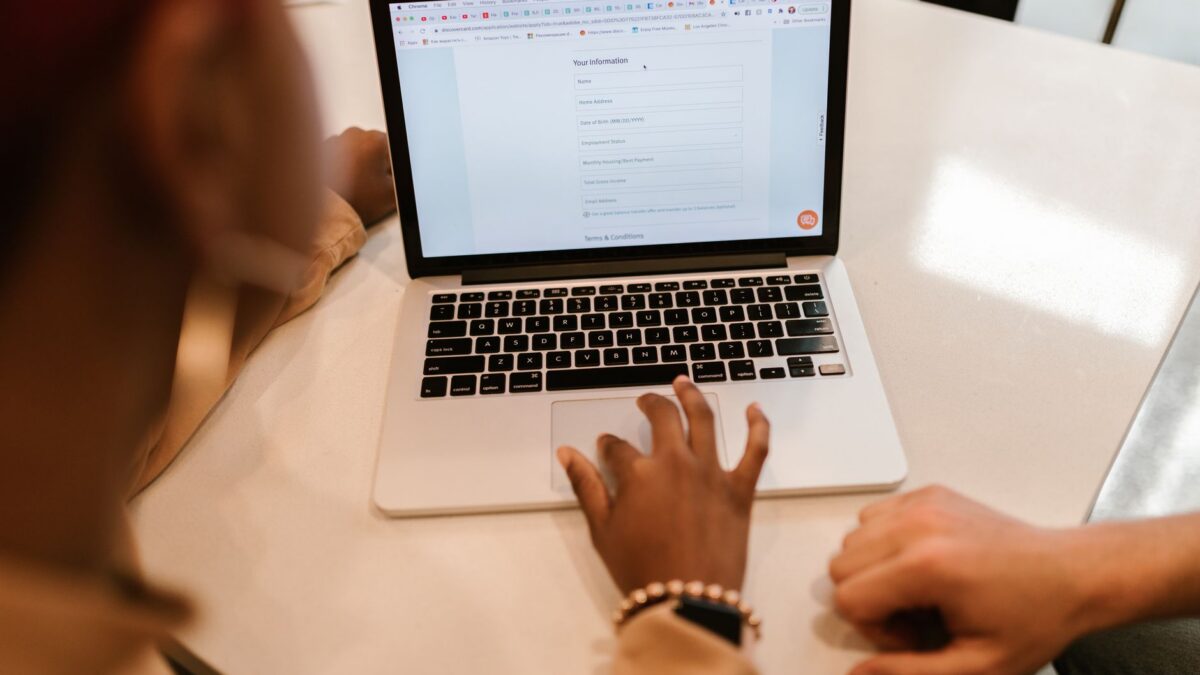
The DS-160 is the online application form for US nonimmigrant visas, including the B1/B2 visitor visa. You complete it on the State Department’s Consular Electronic Application Center, upload a photo, sign electronically and print the confirmation page for your interview. Every answer must be accurate and complete, because the consular officer reviews it before speaking to you.
This guide reflects the form as of October 2026 and is general information, not legal advice. The only official place to complete the form is ceac.state.gov. Third-party sites that “fill it in for you” are not government services.
Before you start
- Have your passport, previous passports, travel history, work and education details and family information at hand.
- Prepare a digital photo meeting US visa photo requirements.
- Choose the embassy or consulate where you will interview; it should be in your country of nationality or residence.
- Answer in English using English characters, except where the form asks for your name in your native alphabet.
Saving and retrieving your application
- Write down the Application ID shown on the first page.
- Choose and remember a security question answer. You need both to retrieve the form.
- Click “Save” often. The session times out after a period of inactivity and unsaved work is lost.
- An unsubmitted application can generally be retrieved online for about 30 days. You can also save a file to your computer and upload it later.
Section by section
Personal information
Enter your surname and given names exactly as in your passport, including all names. Answer questions about other names used, such as maiden names. Give your date and place of birth, nationality and any other nationalities or permanent residences.
Address and phone
Give your home address and phone numbers. The form also asks for phone numbers and email addresses used in the past five years, and for your social media identifiers on listed platforms from the past five years. List them accurately; you are not asked for passwords.
Passport
Enter your passport number, book number if any, issuing authority and dates. Answer whether you have ever lost a passport.
Travel information
Choose the purpose of trip, usually “Temporary business or pleasure visitor (B),” then B1/B2. Give your intended arrival date, length of stay and US address if known. If plans are not final, provide your best estimate.
Travel companions
List people travelling with you, such as family members or a group.
Previous US travel
Report previous visits, previous US visas, any visa refusals and any petitions filed for you. Be complete: officers can see previous records, and omissions look like misrepresentation.
US point of contact
Name a person or organization in the US who knows you, such as a relative, friend, business contact or hotel. If you know no one, the form allows a hotel.
Family
Give your parents’ details and whether you have immediate or other relatives in the US. Include their status, such as citizen or permanent resident.
Work, education and training
Describe your current occupation, employer, monthly income and duties, then previous employment and education. Describe duties in a sentence or two; vague entries invite questions.
Additional work and travel information
This covers languages spoken, countries visited in the past five years, organizations, specialized skills and military service.
Security and background
A series of yes/no questions on health, criminal history, immigration violations and security. Answer each truthfully. If you answer yes, explain briefly. A “yes” is not always disqualifying; a false “no” can be.
Photo, review and signature
Upload your photo and let the tool check it. Review every page, then sign electronically with your passport number and submit. Print or save the confirmation page.
Common mistakes
| Mistake | Why it matters |
|---|---|
| Name not matching the passport | Can delay printing or cause errors on the visa |
| Wrong interview location chosen | The application is tied to a specific post |
| Missing US relatives | Contradicts what you say at interview |
| Omitting previous refusals | Can be treated as misrepresentation |
| Incomplete social media list | Required information; omissions can delay processing |
| Old or edited photo | Photos must be recent and unaltered; failed uploads need a printed photo |
| Letting an agent submit without review | You are legally responsible for every answer |
Correcting a submitted DS-160
You cannot edit a DS-160 after submission. For significant changes, complete a new form (you can start from the old one using the “retrieve” option) and update your appointment profile with the new confirmation number, following your embassy’s instructions. Bring the latest confirmation page to the interview. For the full process after submission, see our guide to the visitor visa application process and our list of required documents.
Bottom line
Take your time, save often and keep your Application ID and security answer safe. Match your passport exactly, list US relatives, previous refusals and social media accounts fully, and answer the security questions honestly. Use only the official ceac.state.gov site, and confirm current requirements with your embassy before the interview.
FAQ
Is there a fee to fill in the DS-160?
No. The form itself is free. You pay the USD 185 visa application fee separately when booking the interview, as of October 2026.
Can someone else fill in the form for me?
Yes, but you must review it, and the form records who helped. You remain responsible for the answers.
What if I do not know my exact travel dates?
Give your best estimate. You are not required to have booked flights.
Do children need a separate DS-160?
Yes. Each applicant, including children, needs their own form.